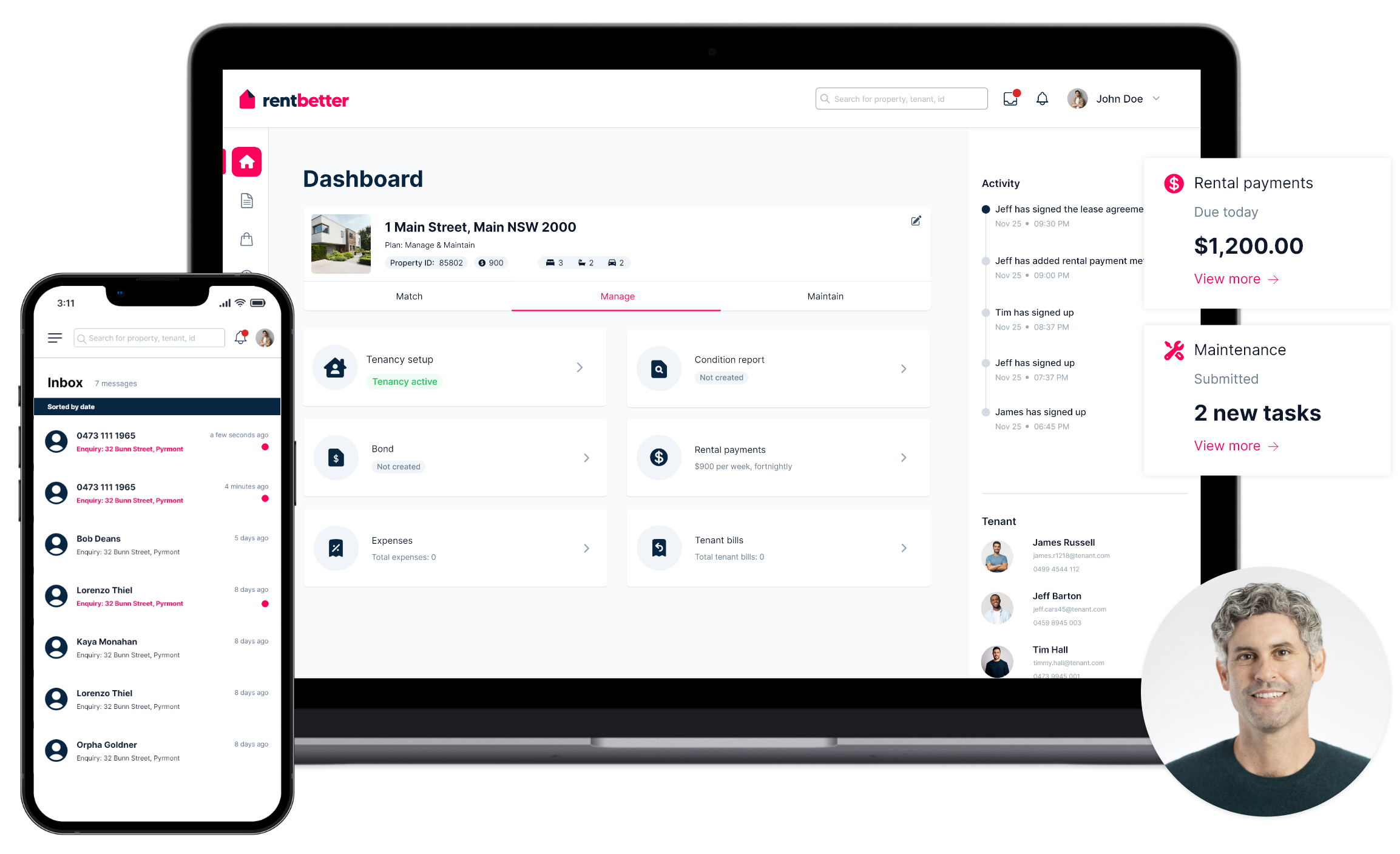
Billing your tenant is easy through RentBetter. Simply create and send your invoice in under a minute, then click to send directly to your tenant. No more unnecessary back-and-forth!
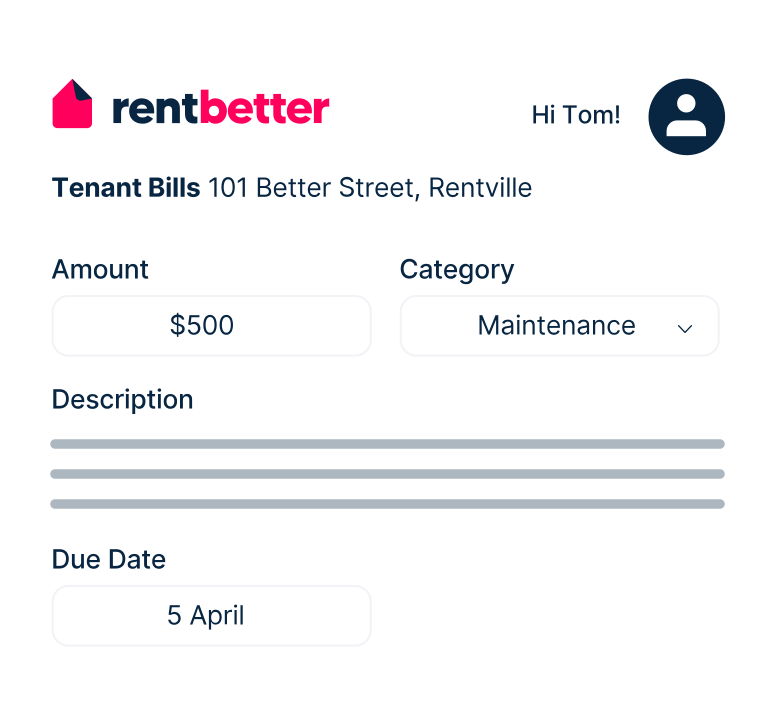
Easily create and send an invoice to your tenant. Input the amount owed, attach any receipts or related documents, then instantly send your bill.

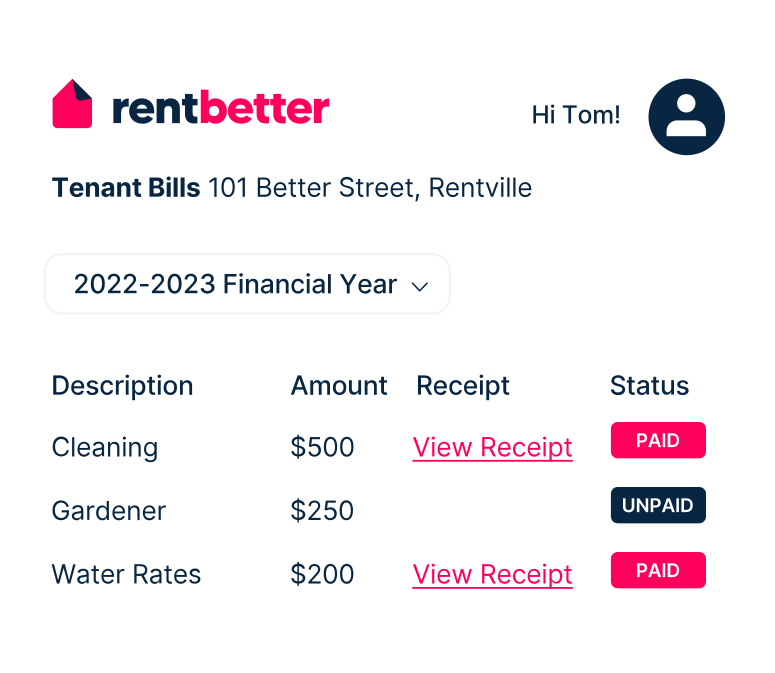
Each bill is stored with details of the invoice and tagged with payment status (paid/unpaid/processing). Bills are sorted by financial year.
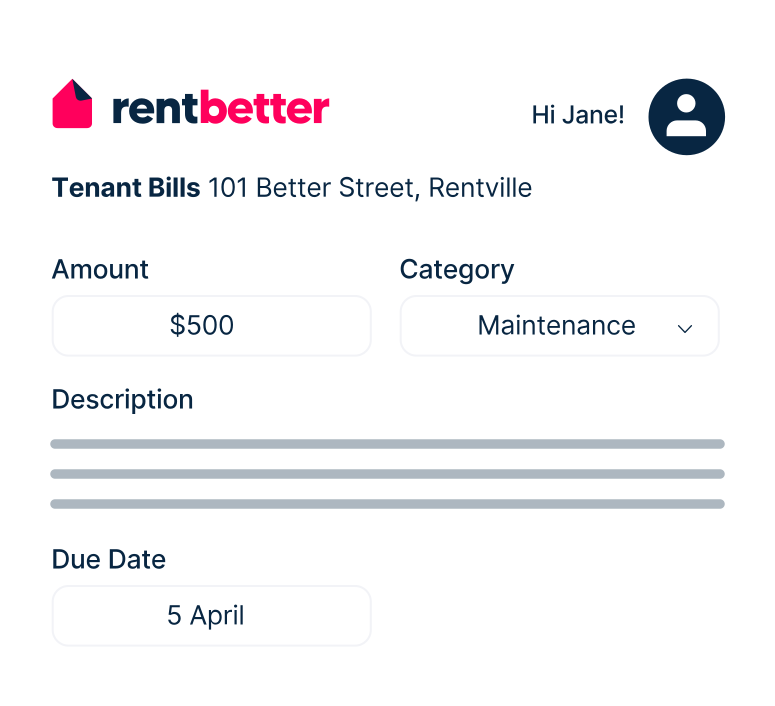
Your tenant will receive an automatic notification about the bill. They can make payment directly via RentBetter.

Learn how the RentBetter platform can help you self-manage your rental property. Register below to watch the demo video.