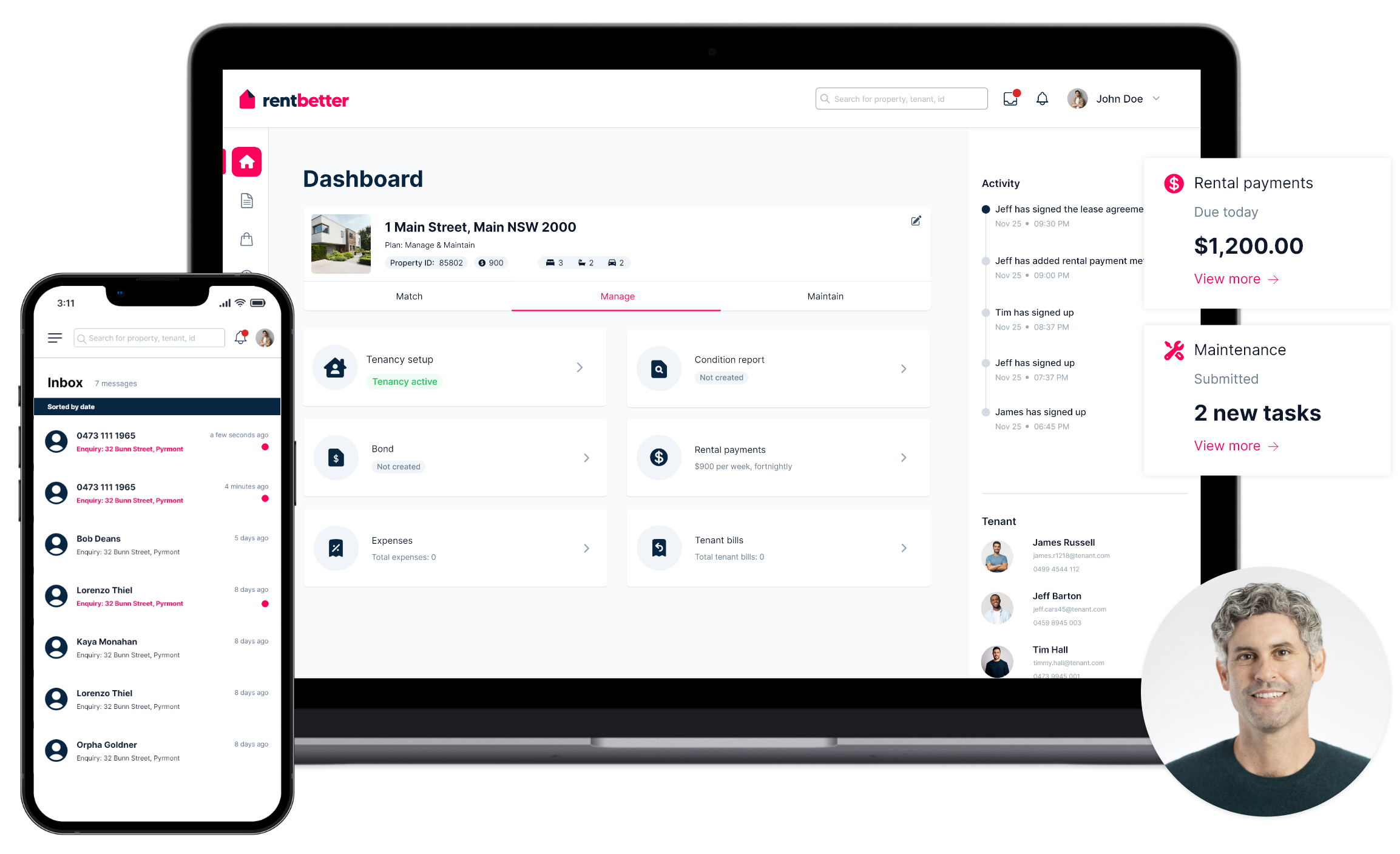
Track all your property expenses and manage everything in one place on RentBetter. No more shoe boxes full of receipts or trying to remember when you paid a bill. It’s all available and searchable at the click of a button.
Upload your property-related expense, a description, the amount and the date.
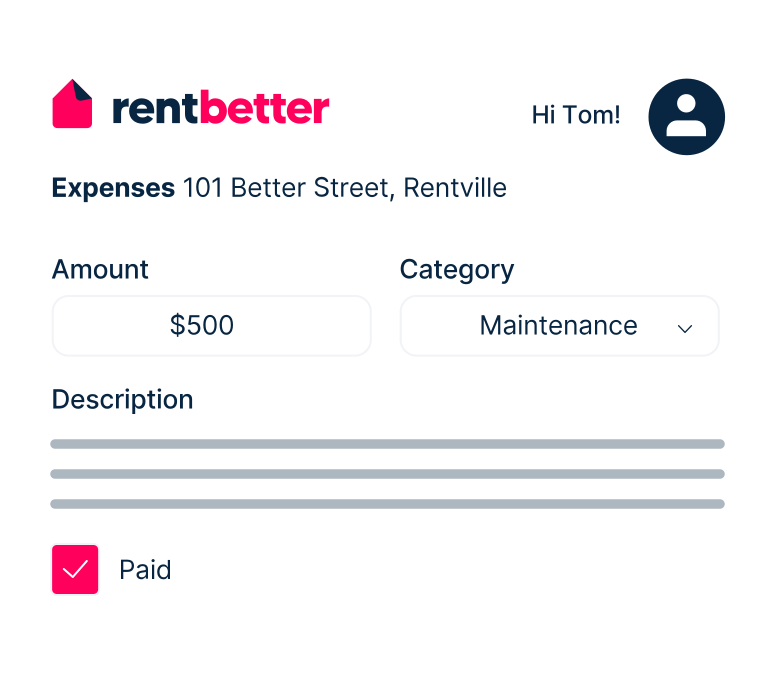

Take a photo or scan a copy of the receipt and attach it to the expense item.
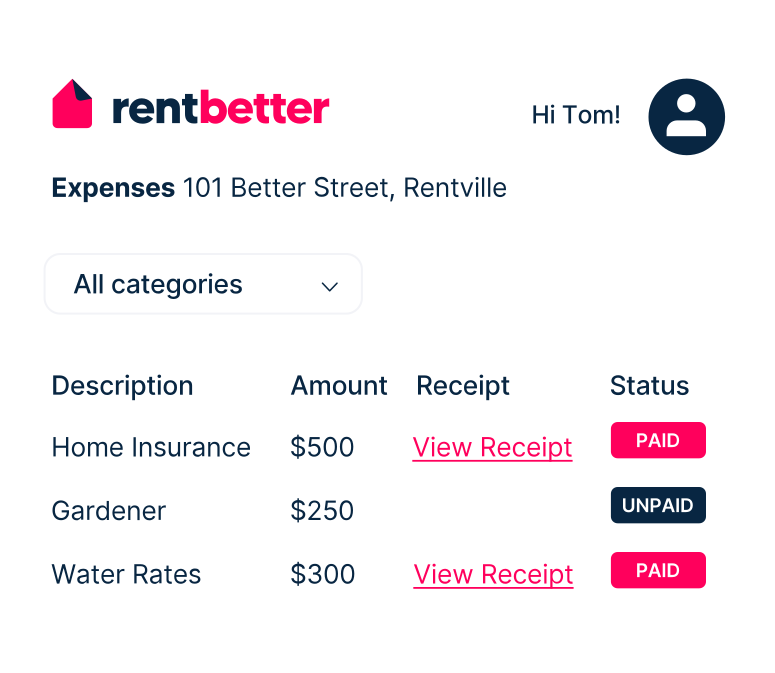
Save the details of your expense item. It will then automatically populate in any report for your property, so you'll always know your financial position.
Learn how the RentBetter platform can help you self-manage your rental property. Register below to watch the demo video.